







TRUE NORTH ENROLLMENT
Making sure you get more out of Slate across Admissions, Student Success, or wherever else the journey leads. (*First edition delivers March 9)
How We Source Our Insights
Every tip starts with a real scenario we’ve encountered in Slate. From timesaving tricks to “wait, that actually worked” moments, we’re diligent about capturing it, analyzing it, and breaking it down so you can put our insights into action immediately.

EXAMPLE INSIGHTS
📥 Import current branding files.
✏️ Make edits.
🔎 Preview as a real record inside the Branding Editor.
🌎 When you’re ready, publish your new Branding for the world to see.
You still get to test thoughtfully in a controlled environment. You just remove extra file management steps by doing it all in Production, inside the Branding Editor. Fewer handoffs = Fewer chances to misplace something.
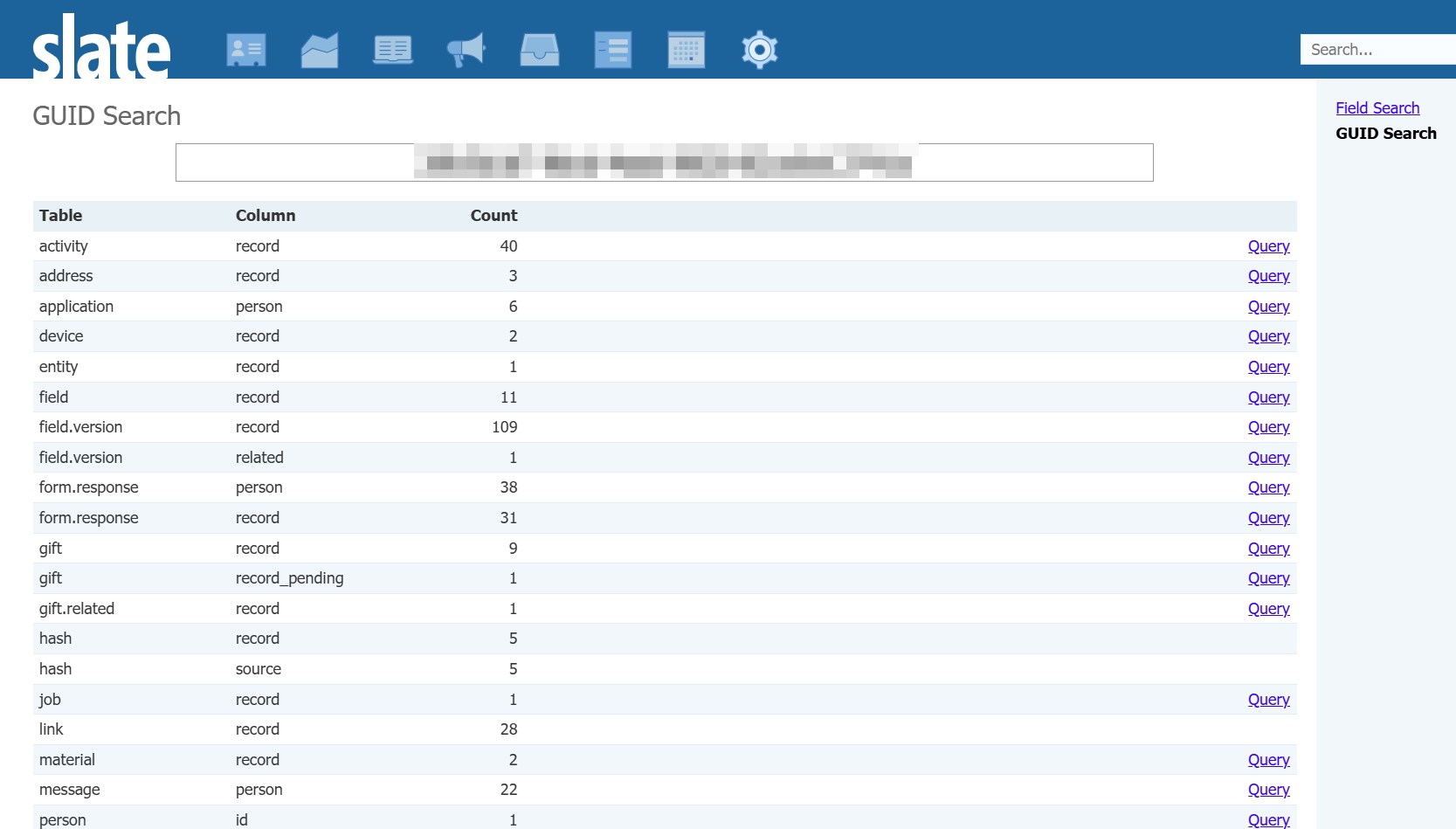
Why it’s useful: This is helpful when you’re trying to figure out what something really is (for example, “Oh, it’s not the person page form, it’s the tab it’s displayed on”) or when you want to see everything someone has touched (like, “Ah, this user GUID shows up on a lot of field updates”).
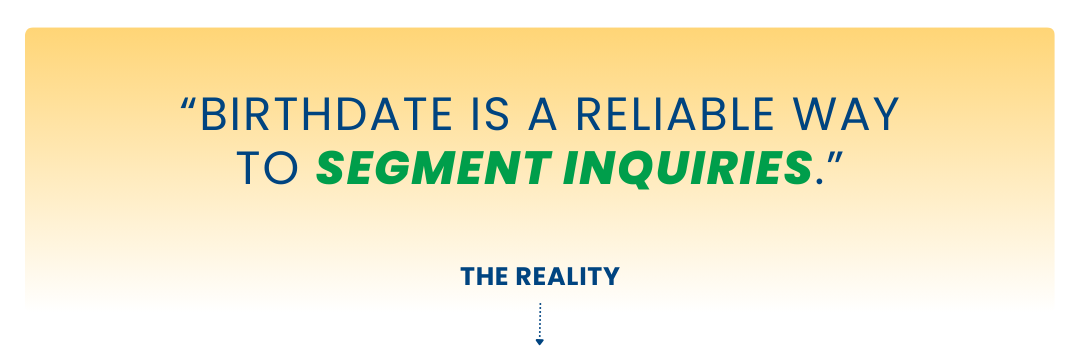
As teams mature in Slate, most move away from birthdate-driven logic in favor of clearer, student-owned data points like entry term or graduation year. Systems (and people) behave better when key groups are defined by intentional, stable fields rather than inferred ones.
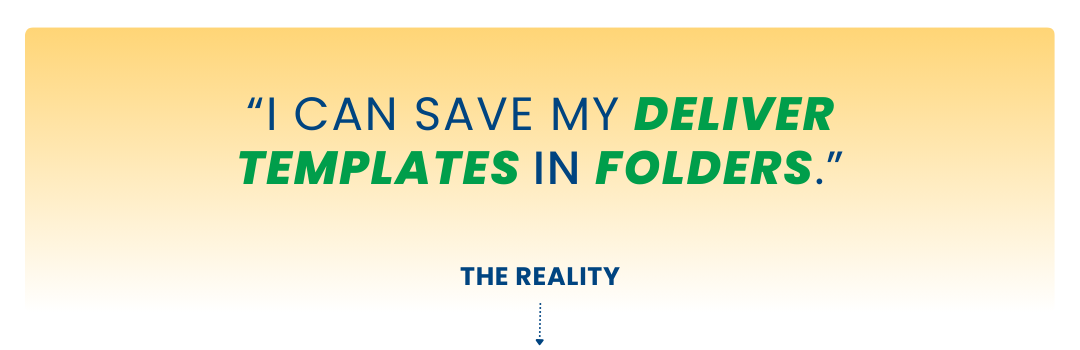
Heads up: There’s an active feedback request to support this functionality that you can vote and comment on here: https://feedback.technolutions.net/ideas/PROD-I-3575
Ask yourself these questions to streamline your communications:
➕ Are you setting the opt out tag via decision? Decision codes can be configured to automatically set the Opt Out tag when the decision is released. Look for this setting on Deny, Withdraw, Admit/Decline, Waitlist/No, etc.
🔍 Are opt-outs applied correctly in your applicant pool? Check for opted-out students without a decision, or decided records that should probably be opted out. If you spot gaps, examine your process and build a regular check to prompt action.
✉️ Are you actually using the opt out tag (or message groups) in your communications? It’s common to skip it in application messaging since it’s mostly transactional, but verify that anywhere you could remove opted-out students, you actually do.
If you spot inconsistencies, adjust the process and set a recurring check. Clean exits are part of a clean build.
➕ Name your views, methods, and queries so that it’s immediately obvious which ones go together and how they work together to build the portal (e.g., *Default View ↔ *Default Method, TAB 1: Home, POPUP: Details).
🧭 Add a README view. Create an unlinked view labeled “INTERNAL: README” with notes about portal structure, dependencies, and anything fragile.
📦 When editing, make backup duplicate copies of your static content and move them into a designated “Backup” view before making major changes.
YOU HEARD IT HERE FIRST
“I believe good technology makes higher ed work better, and that a deep understanding of how higher ed operates (and what’s at stake) leads to better technology.”

“When teams, processes, and goals evolve together, your database becomes a catalyst instead of a bottleneck, turning efficiency on paper into momentum in practice.”

"A successful Slate implementation isn’t about trying to do everything at once. It’s about moving thoughtfully, one office, one process, and one milestone at a time to ensure a high-quality result."

TRUE NORTH ENROLLMENT
Making sure you get more out of Slate across Admissions, Student Success, or wherever else the journey leads.